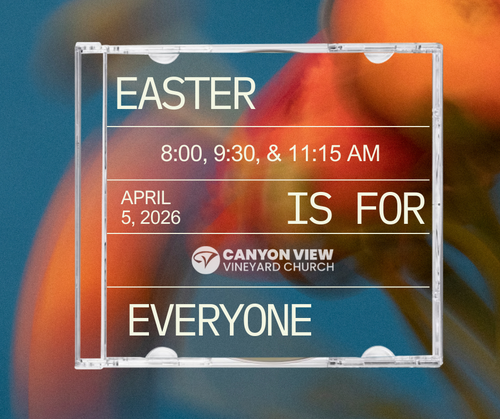
Download Facebook Graphics
Desktop Instructions
1. Tap the Download button below the photo you want
2. The image opens full screen
3. Right-click on the image
4. Tap Save Image As
5. The graphic is now in your Downloads Photo
1. Tap the Download button below the photo you want
2. The image opens full screen
3. Right-click on the image
4. Tap Save Image As
5. The graphic is now in your Downloads Photo
Mobile Phone Instructions
1. Tap the Download button below the photo you want
2. The image opens full screen
3. Press and hold on the image
4. Tap Save Image
5. The graphic is now in your Photos app
1. Tap the Download button below the photo you want
2. The image opens full screen
3. Press and hold on the image
4. Tap Save Image
5. The graphic is now in your Photos app